Learn — By WATMM Desk —
The laptop-only home studio: how to make finished music with one computer and headphones
You can write, record, mix and release a track with nothing but a laptop and a pair of headphones. This guide covers which free or cheap software to start with, how to set the laptop up so it does not fight you, how to record without an interface, how to mix on headphones, and when an upgrade is actually worth buying. Prices and loudness figures were checked on 25 Oct 2026.
Key facts
- REAPER offers a 60-day fully functional evaluation, then a $60 discounted licence for personal use or businesses with gross revenue up to $20,000 a year; the commercial licence is $225.
- Apple says GarageBand includes 28 drummers and three percussionists across six genres, and requires macOS Monterey or later.
- Spotify normalises playback to -14 LUFS and advises keeping true peaks below -1 dB, or below -2 dB if the master is louder than -14 LUFS.
- WHO says over 1 billion young adults are at risk of permanent, avoidable hearing loss from unsafe listening practices.
A lot of records people love started on a laptop balanced on a bed. The gear lists in forums make it easy to forget that, and to put off finishing music until there is an interface, monitors, a treated room and a microphone. You do not need any of those to finish a track. You need a computer, a pair of decent wired headphones, some free or cheap software, and habits that work around what the setup cannot do.
This guide is for beginners and for intermediate producers who travel, share a room, or simply want to stop buying things. It assumes nothing beyond the laptop you already own.
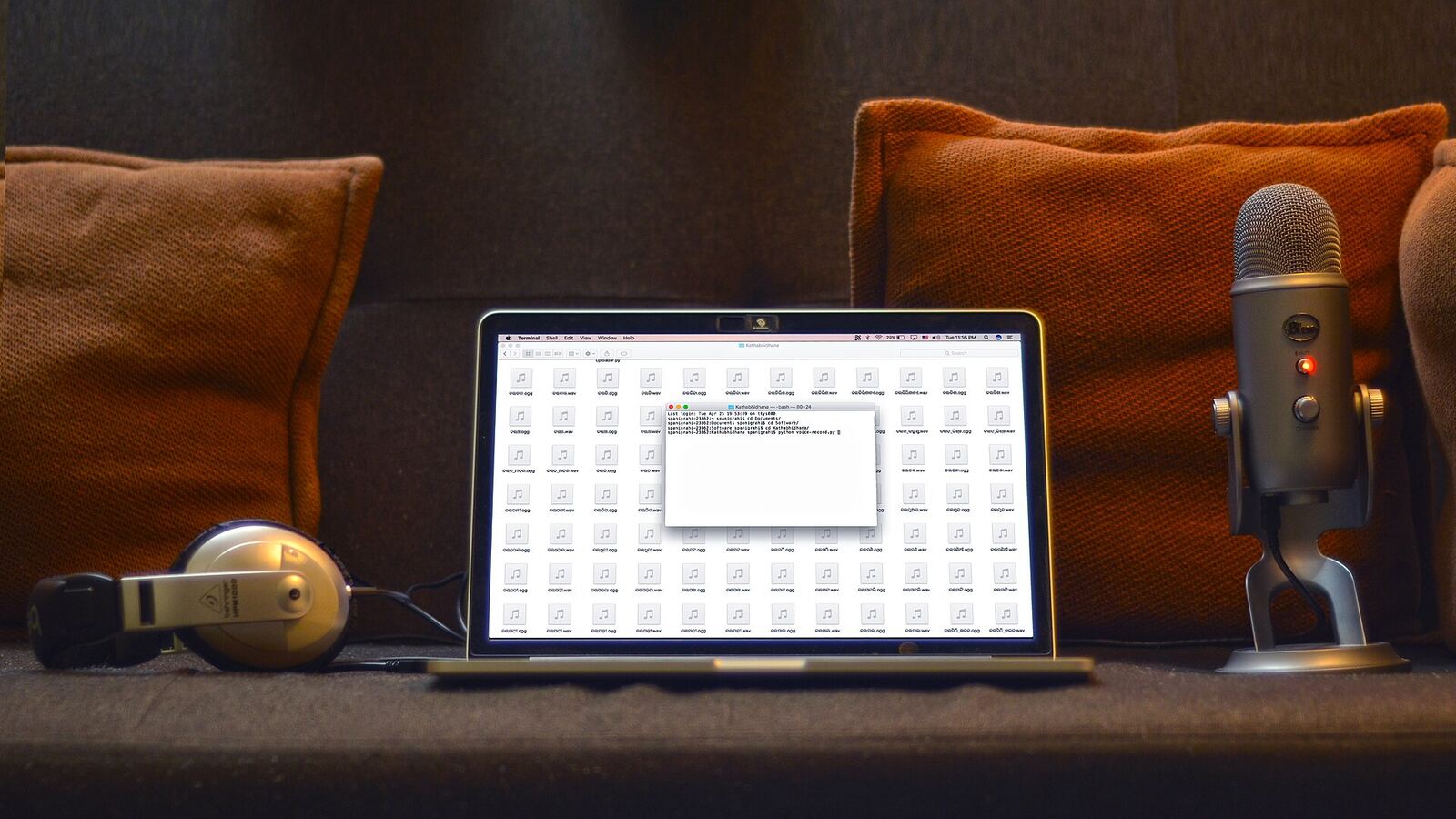
What a laptop alone can and cannot do
Be honest about the limits first, because they shape every choice below.
A laptop can do everything inside the box: programming drums, playing software instruments with the keyboard or a mouse, sampling, arranging, mixing and mastering. A modern machine runs dozens of tracks of plug-ins comfortably.
What it does badly is capture sound from the outside world. The built-in microphone is designed for video calls, and its processing (noise suppression, automatic gain) is the opposite of what you want for music. Its speakers cannot reproduce low end, so you cannot judge bass on them. And its built-in audio driver can add enough delay that playing in real time feels sluggish.
So the laptop-only studio leans on in-the-box sounds, headphones for monitoring, and a few workarounds for recording.
Pick software you will actually finish in
The best DAW for a laptop-only setup is the one you will learn deeply. Three sensible starting points:
- GarageBand (Mac). It is a download from the App Store and needs macOS Monterey or later. Apple describes it as having "a complete sound library", including 28 virtual drummers and three percussionists across six genres. For a laptop setup, those drummers matter: a convincing, editable drum part without a single sample pack.
- REAPER (Windows, Mac, Linux). Light on resources, which helps older laptops. Cockos gives a 60-day fully functional evaluation, then a $60 discounted licence for personal use or for businesses earning up to $20,000 a year; the commercial licence is $225.
- A browser DAW. If your laptop is borrowed, shared or a Chromebook, a browser tool can be enough to sketch and even finish. Our guide to the browser DAW workflow covers what works and what to watch.
Whichever you pick, give it three months before switching. Most "this DAW is holding me back" moments are really "I have not learned this DAW yet".
Set the laptop up so it stays out of the way
A few settings save a lot of frustration:
- Plug in the charger. Many laptops throttle the processor on battery, which shows up as crackles and dropouts.
- Turn off notifications and close the browser. System sounds can play through your session and background tabs eat memory.
- Use the right driver. On a Mac, Core Audio is fine as it is. On Windows, use the ASIO or low-latency option your DAW offers rather than the default system driver.
- Set the buffer by task. Low buffer while playing parts in, high buffer while mixing. Our explainer on latency and buffer size shows why.
- Freeze or bounce heavy tracks. When the processor meter climbs, render synths to audio and keep going.
- Back up every session. A laptop is the most likely computer to be dropped, lost or stolen. Follow a simple routine from our guide to backing up your music projects.
Recording without an interface
You can still record. You just have to be strategic.
Use your phone as the microphone. A recent phone's voice memo app, placed close to the source in a quiet, soft-furnished room, often beats a laptop's built-in mic. Record, transfer the file, drop it in the session. It will not be pristine, but for a guide vocal, a percussive texture or a sample you will process heavily, it is fine.
Record where the room helps. Clothes, cushions and a duvet absorb reflections. A wardrobe of hanging clothes is a cliché because it works.
Turn imperfect sources into sounds. A slightly noisy recording of a pan lid, a door or a hummed melody can become a texture once it is filtered, pitched and drenched in reverb. Lean into the sampler rather than chasing clean audio.
Know when to stop. If your music is built on a lead vocal or an acoustic instrument, the laptop-only approach will cap your quality. That is the moment an interface earns its place; see how to choose an audio interface.
Mixing on headphones only
Headphones are the laptop studio's monitors. Use wired ones: Bluetooth adds delay that makes recording impossible and its codecs colour what you hear.
Headphones put each ear in its own world, so the stereo image feels wider than on speakers and panning decisions can be exaggerated. Bass can also be misleading depending on fit and seal. The working habits that help:
- Mix at a modest, consistent volume. Loud headphones flatter everything and tire your ears fast. WHO says more than 1 billion young adults are at risk of permanent, avoidable hearing loss through unsafe listening. Take a break every hour.
- Use reference tracks. Import two or three released songs in your genre and switch between them and your mix at matched loudness.
- Check in mono. Collapse the mix to mono now and then; if the bass or vocal disappears, something is out of phase or over-widened.
- Check on other systems. Phone speaker, car, earbuds. Make notes, not snap fixes.
We go deeper on this in mixing on headphones.
Finishing and exporting
When you bounce a master, aim for clarity, not maximum loudness. Spotify turns playback to -14 LUFS, and advises keeping true peaks below -1 dB, or below -2 dB if your master is louder than -14 LUFS. A laptop limiter and a loudness meter (most DAWs include one) are all you need to hit that.
When to upgrade, in order
If you do outgrow the setup, buy one thing at a time, in the order that removes your biggest bottleneck:
- Better headphones, if you are still on earbuds.
- A small MIDI keyboard, if you write melodic parts and the computer keyboard is slowing you down.
- An audio interface and one microphone, if you need to record vocals or instruments properly.
- Monitors, last, and only once the room can support them.
What we think
The usual advice treats the laptop-only setup as a waiting room: make do until you can afford a "real" studio. We think that framing costs people finished songs. The constraints of a single machine and headphones are a production style in their own right, one that pushes you towards strong programming, bold sampling and fewer, better sounds, and away from the endless take-and-retake cycle that real microphones invite.
Our specific take: the first upgrade most laptop producers buy is the wrong one. Monitors are the gear people want, but in an untreated bedroom they often make judgement worse, not better. Spend the first year getting very good at one DAW, one pair of headphones and a handful of reference tracks. The point at which your laptop really limits you is the point at which you will know exactly what to buy, and that is a far better purchase than one made from a forum list.
Sources
- Purchase REAPER, Cockos (primary source). Accessed 25 Oct 2026.
- GarageBand for Mac, Apple (primary source). Accessed 25 Oct 2026.
- Loudness normalization, Spotify for Artists (primary source). Accessed 25 Oct 2026.
- Deafness and hearing loss (fact sheet), World Health Organization (primary source). Accessed 25 Oct 2026.
Researched with AI assistance, written and checked by WATMM Desk.